From mood board to motion: how product video generators bring concepts to life
What a mood board does for a creative team
A mood board is a collection of images, textures, colour swatches and typography that captures the feel of a campaign. It is a visual shorthand for an idea that has not been fully formed yet. For anyone working on a product launch, a brand refresh or a seasonal campaign, the mood board is where the creative conversation starts. It communicates tone, lighting, composition and emotional direction before a single frame of video is shot or rendered.
The problem is that a mood board is static. It shows what the final result could look like, but it does not move. Stakeholders have to imagine how those still references translate into a flowing sequence. That gap between a static mood board and a finished video is where many projects slow down. Teams spend days writing scripts, drawing storyboards and producing rough cuts just to communicate the same visual idea that the mood board already captured. Happy Wan — Multimodal AI Video Generation Online Free
What a product video generator does
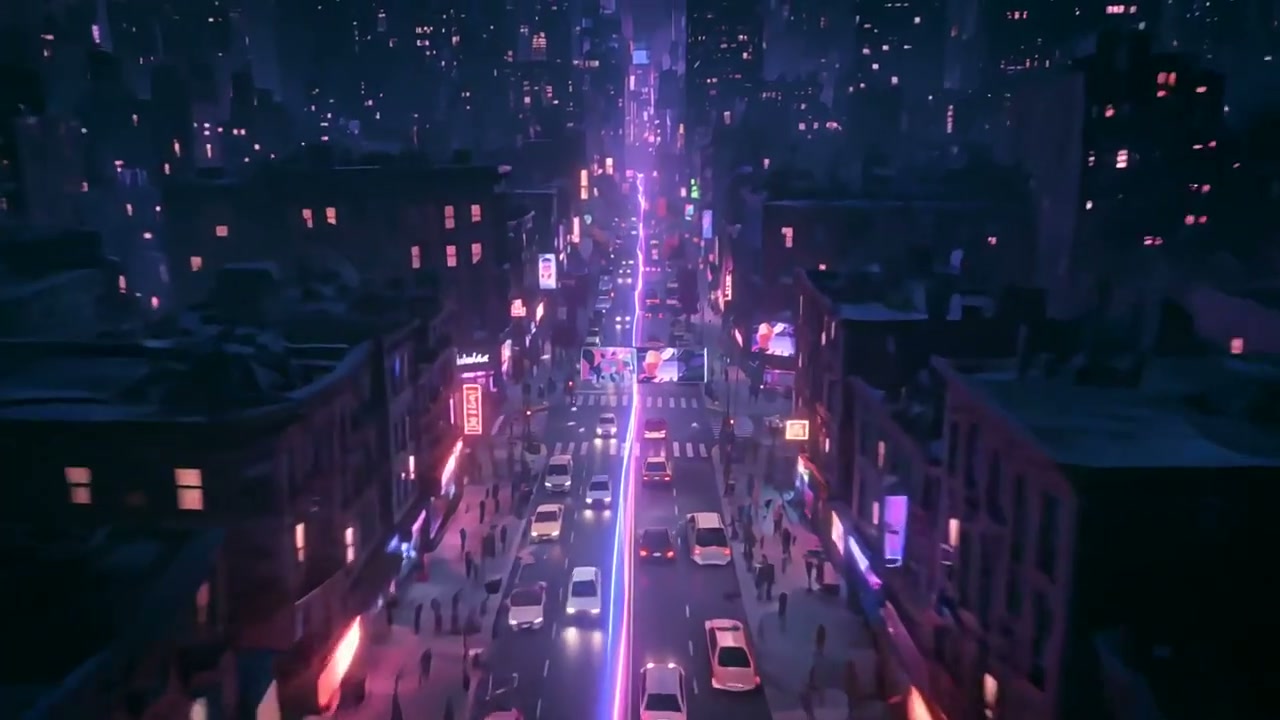
A product video generator is a tool that turns those static references into moving visual concepts. Instead of describing a scene in a brief and hoping the production team interprets it correctly, you can feed the mood board directly into the generator. The tool reads the visual cues in the reference images - the lighting, colour palette, texture and composition - and produces a short video that matches that direction.
Because a product video generator works with images, it can also handle brand guidelines. Logos, packaging shots and product photos become source material. The generator uses those inputs to produce footage that stays consistent with the brand's existing visual language. That is useful for teams that need to test multiple campaign concepts quickly. Instead of commissioning a full shoot for each idea, they can generate a rough video from the mood board and evaluate which direction feels strongest.
How the process works in practice
The workflow is straightforward. You start with a mood board - a collection of maybe six to ten images that define the look and feel you want. You upload those images into the product video generator along with any product shots or brand assets. The tool processes the visual data and generates a short video clip that animates the scene according to the mood board's direction.

Some generators also accept a text prompt to guide the action. You might describe the movement you want: a slow pan across a tabletop, a close-up of a product being unboxed, or a dynamic shot of someone using the product outdoors. The combination of visual reference and text direction gives the generator enough context to produce something that feels intentional rather than random.
What comes out is not a finished commercial. It is a moving concept - a visual prototype of the campaign idea. You can share it with the team, show it to a client, or use it as a creative brief for the production crew. Everyone sees the same motion, the same pacing, the same lighting. There is less room for misinterpretation.
One option that fits this workflow is Happy Wan, Multimodal AI Video Generation Online Free. It accepts multiple input types - images, text, reference clips and audio - which makes it a natural fit for teams that already build mood boards from mixed sources. You can keep your existing creative process and add a video generation step without overhauling your tools.
Where it makes a difference
Creative testing
When you have two or three different visual directions for a campaign, you want to test them before committing to a full production. A product video generator lets you produce a short video for each concept using the same mood board inputs. You can compare them side by side and decide which one communicates the message more clearly. That saves time and reduces the risk of shooting something that does not land.
Social video
Social media teams need fresh video content regularly. A mood board for a seasonal campaign can feed into a generator to produce multiple short clips for social posts. Because the generator follows the same visual cues, the clips feel consistent even when they show different products or angles. That consistency helps build a recognisable brand presence on platforms where users scroll quickly.
Internal alignment
Large teams often struggle with alignment before production starts. The marketing team has one idea of the look, the creative team has another, and the client has a third. A moving concept generated from the mood board gives everyone a concrete reference point. Disagreements surface early, when they are still cheap to fix, rather than during the edit when changes are expensive.
What to watch out for
A product video generator is not a replacement for a director or an editor. The output is a proof of concept, not a broadcast-ready spot. The motion can sometimes look artificial, especially if the reference images are very different from each other. If your mood board mixes studio product shots with candid lifestyle photography, the generator may struggle to produce a coherent video. Keep the visual references tight and consistent for the best results.
Another thing to consider is the output resolution. Most generators produce web-friendly video that works well for social media, internal reviews and client presentations. If your final delivery needs to be 4K or have specific broadcast specs, you will still need to shoot or render at that quality. Use the generated video as a blueprint, not the final asset.
How it fits into a broader workflow
The product video generator sits between the mood board and the storyboard. It does not replace the storyboard; it makes the storyboard more accurate. Once you have a moving concept, you can break it down into key frames and refine the script. The production team then has a clear visual target to aim for. That reduces the number of revisions later in the process.
Some teams also use the generated video as a pitch tool. Instead of presenting a static deck to a client, they show a short moving concept that captures the campaign's energy. Clients respond more strongly to motion than to stills, and the generator makes it possible to produce that motion without a full production budget.
A tool like Happy Wan, Multimodal AI Video Generation Online Free fits this stage because it accepts the same assets you already have - product images, brand guidelines, reference clips - and turns them into a video that communicates your creative direction clearly. The output is not the final film, but it is a much more effective briefing tool than a page of static images.
What it means for your process
Adding a product video generator to your workflow changes the way you think about mood boards. Instead of being a decorative starting point, the mood board becomes a functional input. Every image you choose has a direct effect on the motion that comes out. That encourages teams to be more intentional about the references they select and more disciplined about keeping the visual direction consistent.
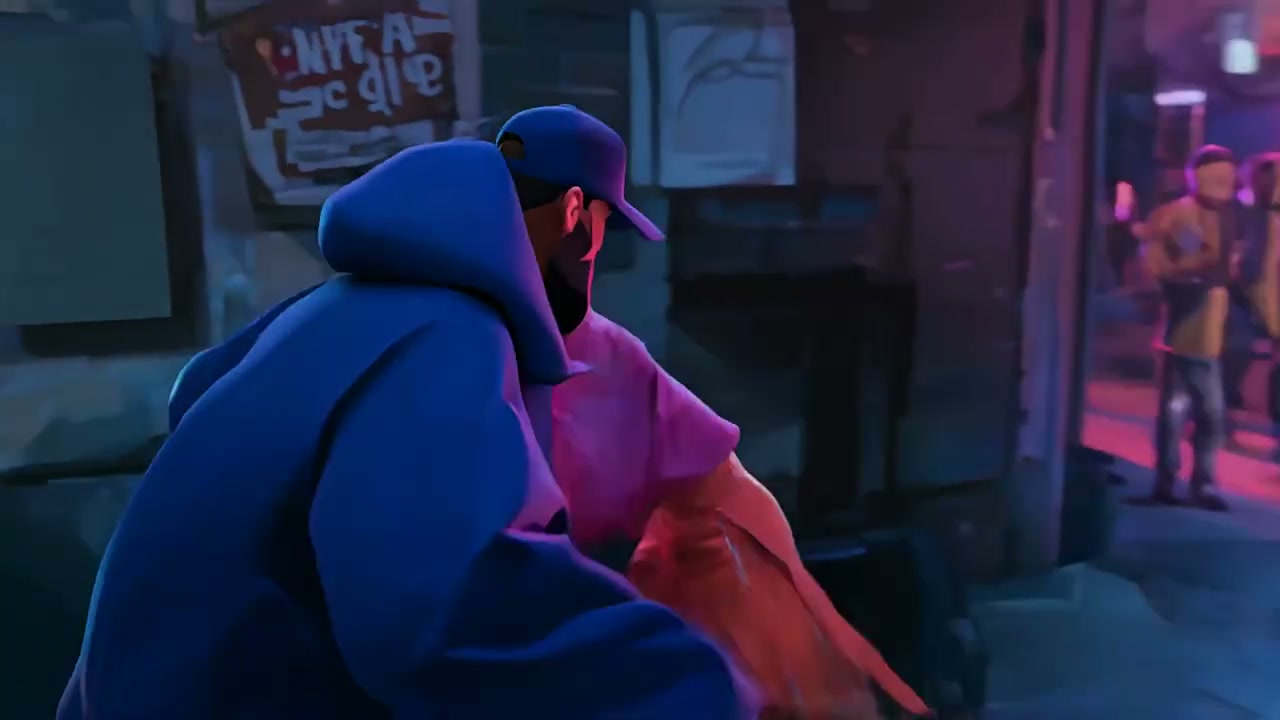
It also means you can test more ideas in less time. A team that used to produce one campaign concept per month because the storyboarding and pitching cycle took that long can now explore three or four directions in the same period. The generator handles the heavy lifting of turning still references into motion, so the team focuses on the creative judgment: which direction works best, and why.
For anyone who has ever sat through a meeting where everyone imagined the mood board differently, the product video generator is a practical fix. It puts everyone on the same page - or rather, on the same moving image - and keeps the project moving forward with fewer misunderstandings.